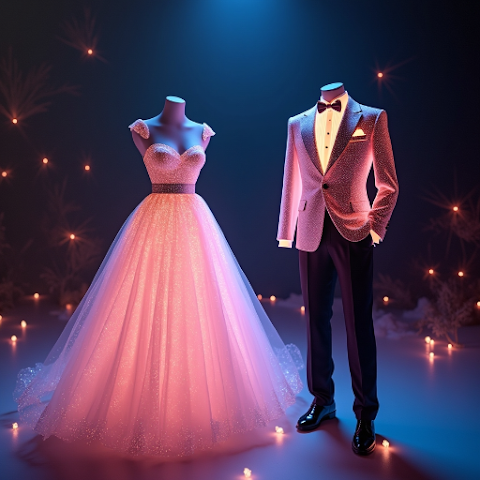
Virtual Tuxedo Try-On Guide for Grooms and Groomsmen

Plan groom and groomsmen tuxedos virtually. Preview lapel styles, colors and fits on every guy in your party before booking rentals.
Virtual Tuxedo Try-On Guide for Grooms and Groomsmen
Coordinating a groom, five groomsmen, two fathers, and a ring bearer into matching or complementary tuxedos is a logistical headache, and the returns on mismatched orders are notoriously painful. Virtual tuxedo try-on is the quiet best practice wedding planners have started recommending. You run each guy's photo through AI Outfit Swap, preview the exact tuxedo on every body in the party, and place one confident order. This guide walks through the full workflow, the silhouettes that render best, and the pitfalls to avoid when planning remotely.
Why Tuxedo Coordination Breaks Down
Groomsmen are often in three different cities, work on three different schedules, and have three different body types. The groom picks a midnight blue peak lapel, the rental shop sends a shawl lapel charcoal by mistake, and you find out two days before the wedding. AI try-on does not fix shipping errors, but it ensures everyone has signed off on the exact same render before a single rental is confirmed. For a broader comparison between AI and traditional shopping, see virtual try-on versus real shopping.
How the AI Workflow Scales to a Wedding Party
Each groomsman takes one full-length photo in a fitted t-shirt, uploads it to AI Outfit Swap, and loads the same tuxedo image the groom selected. Ten minutes later, everyone has a render of themselves in the exact chosen outfit. If you have never run AI try-on before, start with the complete 2026 beginner's guide. Download the app first so each person can test with a casual photo.
Lapel Styles That Actually Look Different on Camera
Peak lapels read sharper and more formal, notch lapels read versatile and business-leaning, shawl lapels read black-tie traditional. On a photo, these differences are surprisingly hard to guess without seeing them on a body. AI lets you render the same groomsman in all three, which often resolves the debate in under a minute. For a related discussion on fit, see our AI suit try-on guide.
Color Coordination Without Sample Shipping
Midnight blue, classic black, burgundy, forest green, and charcoal all render cleanly. The question of whether the groom should wear a tonal variation (black with midnight-blue groomsmen) is best answered by rendering both and comparing. This eliminates the awkward sample-shipping round that rental shops often require. For modern wedding color thinking, see AI fashion trends 2026.
Handling Different Body Types in the Same Party
A good tuxedo fits across body types only if the rental shop actually stocks it in the right proportions. AI try-on lets you preview the same tuxedo on a 5'6" groomsman and a 6'4" best man using their real photos. If the cut looks disproportionate on one of them, switch to a slightly different lapel or trouser fit for that person specifically. This is the kind of polish only virtual rendering unlocks.
Putting the Groom in the Spotlight
The groom usually wants a subtle differentiator: a contrasting lapel, a different colored bow tie, a distinct pocket square, or a slightly different shade of blue. Render the groom with each variation against the groomsmen renders and pick the one that still reads as part of the party but clearly centers him. Save every final render for the photographer's shot list; our save and share guide explains the workflow. Get the app on Google Play or App Store.
What AI Cannot Do for Your Tuxedo Order
It cannot measure inseams, confirm jacket drop across a body shape, or eliminate the need for last-minute tailoring the day before the wedding. Rental shops still need accurate measurements, and tailoring pins must still be done in person. Read our honest accuracy assessment for context. AI is for shortlisting and party alignment, not measurement.
Can every groomsman use a different photo?
Yes, that is the whole point. One group tuxedo image, many body photos, one aligned decision.
Does it work for fathers of the bride and groom too?
Absolutely. It renders any adult body shape. Same photo rules apply.
Will the AI show a bow tie and pocket square?
The primary tux renders cleanly. For bow tie variations, run a quick second swap focused on the neck region.
Is the app free for wedding-party use?
Yes, completely free on Android and iOS. Install it here.
Written By